

This text was written with the help of AI.
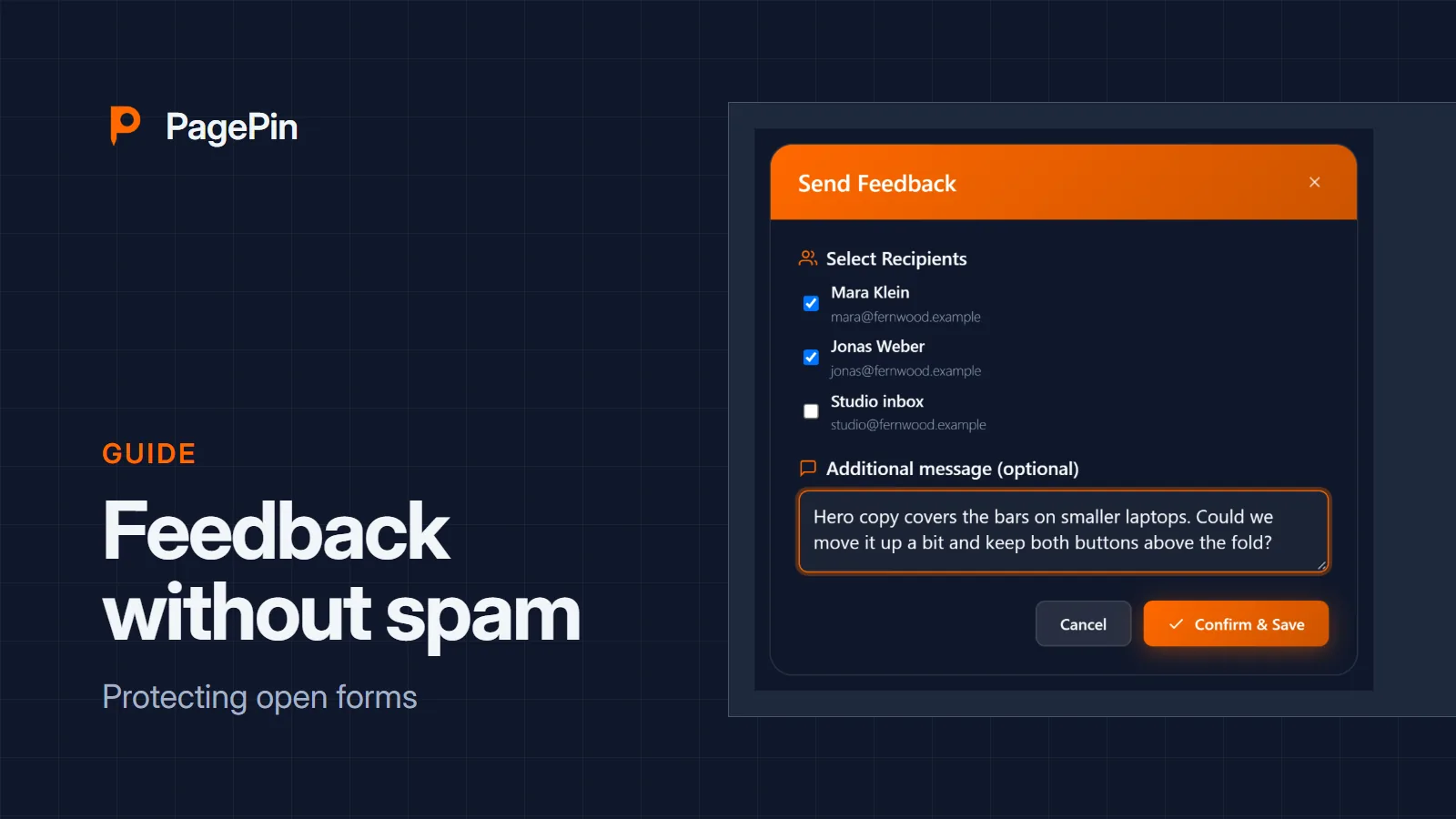
Sometimes the best bug reports come from visitors: a form that fails on one phone, a link that leads nowhere. PagePin can accept feedback from people who are not logged in. This guide shows how to open that door without letting spam in.
Switch on public feedback
Public feedback is off until you enable it on the settings page. By default PagePin asks visitors for an e-mail address for follow-up questions; you can make that field optional.
Protections that work without a third party
- A honeypot field that people never see and bots fill in
- A timing check that rejects submissions sent faster than a person can type
- A limit of submissions per hour and IP address, 10 by default
These checks run on your WordPress server. They send nothing to another service, and PagePin stores no IP addresses with the feedback: the limit keeps a keyed hash of the address for at most one hour.
When to add a CAPTCHA
If a site still receives spam, PagePin supports Google reCAPTCHA v2 and v3, hCaptcha and Cloudflare Turnstile. Each needs a key from its provider, and each sends the interaction of the visitor to that provider. Mention the provider in your privacy policy before you switch it on.
Who sees public reports
Public reports land in the same list as the reports of your team, with the same status workflow. Only the roles you allowed can see and manage them.
Sources
- PagePin FAQ, pagepin.io
- PagePin features, pagepin.io