


Category: Guides
How to collect client feedback and bug reports on WordPress sites with PagePin.
-

Collect feedback from visitors in WordPress: step-by-step setup with PagePin
Turn on public feedback in PagePin, set up the button, spam protection and privacy, then test it as a visitor. Eight steps with screenshots.
-
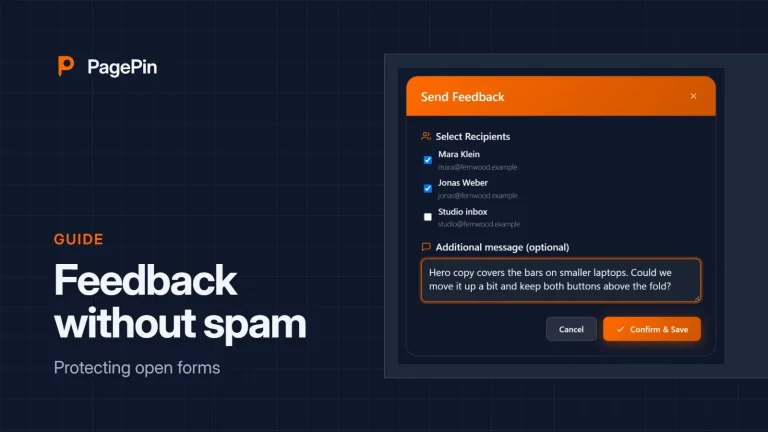
Public feedback without spam: how PagePin protects open forms
Let visitors report problems without an account and keep bots out, with protections that run on your own server.
-
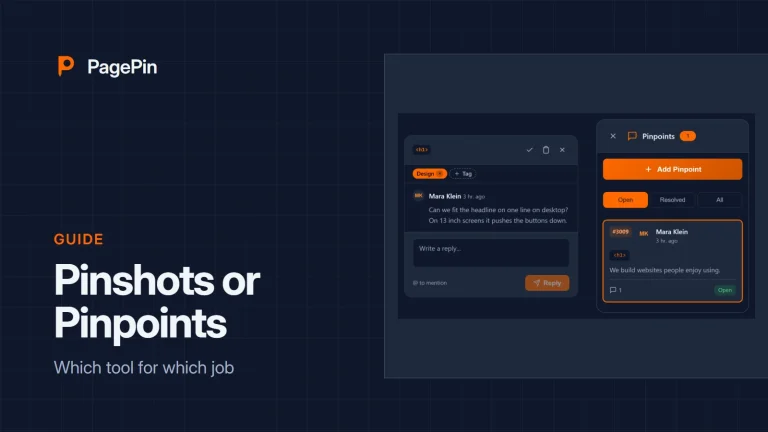
Pinshots or Pinpoints: which tool for which job
Both tools collect feedback on the page. One sends a report, the other starts a conversation. When to use which.
-

How to collect client feedback on a WordPress site
From install to the first resolved report: set up PagePin, invite your client and keep feedback where the work happens.