


News
Releases of PagePin and guides to client feedback and bug reports on WordPress sites.
-

Collect feedback from visitors in WordPress: step-by-step setup with PagePin
Turn on public feedback in PagePin, set up the button, spam protection and privacy, then test it as a visitor. Eight steps with screenshots.
-
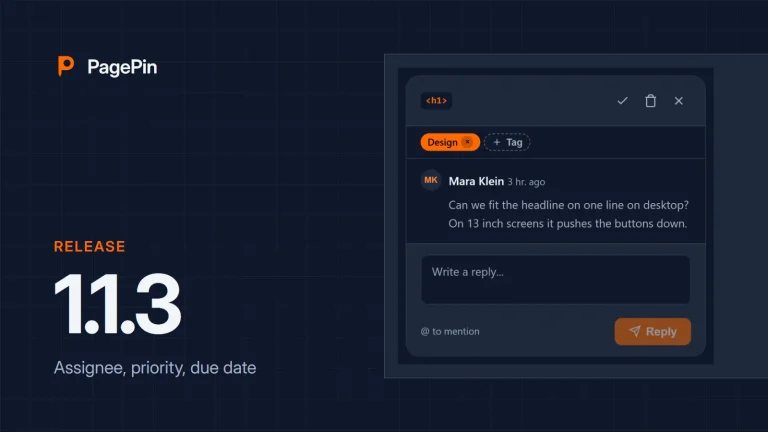
PagePin 1.1.3: assignee, priority, due date and internal comments
Assign Pinshots and Pinpoints to a person, set priority and due date, and write internal comments that only your team sees. With rebuilt admin screens…
-
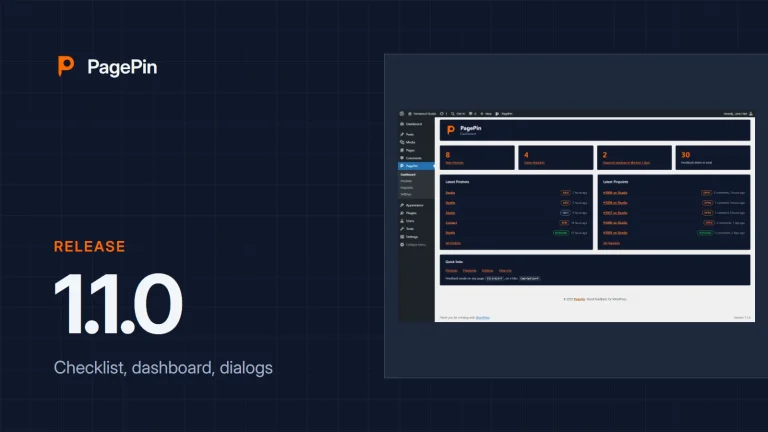
PagePin 1.1.0 and 1.1.1: dashboard, accessible dialogs and webhooks
A checklist replaces the setup wizard, a new dashboard, dialogs you can use with the keyboard, fixes for privacy and security, and since 1.1.1 webhooks.
-
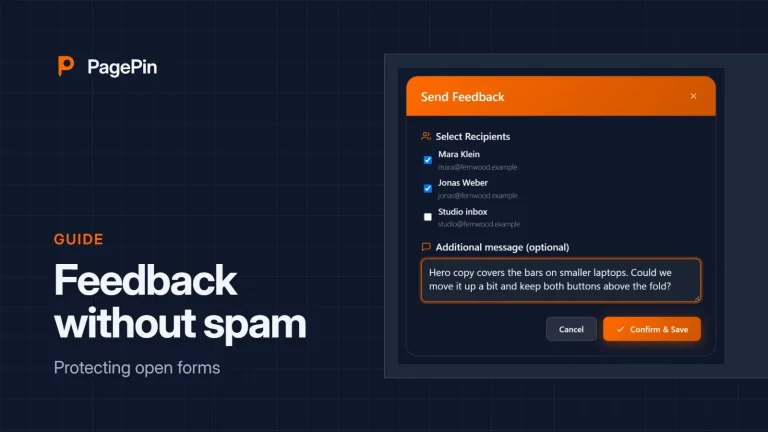
Public feedback without spam: how PagePin protects open forms
Let visitors report problems without an account and keep bots out, with protections that run on your own server.
-
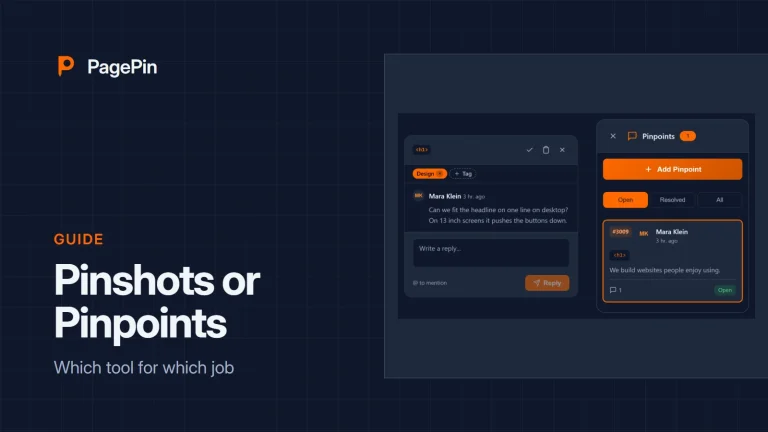
Pinshots or Pinpoints: which tool for which job
Both tools collect feedback on the page. One sends a report, the other starts a conversation. When to use which.
-
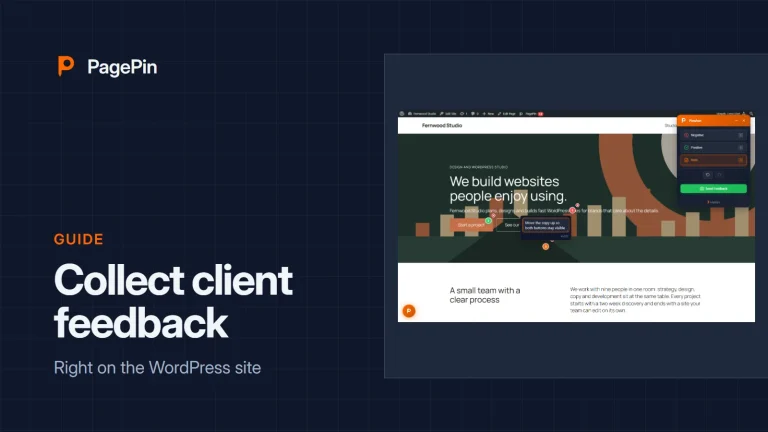
How to collect client feedback on a WordPress site
From install to the first resolved report: set up PagePin, invite your client and keep feedback where the work happens.
-
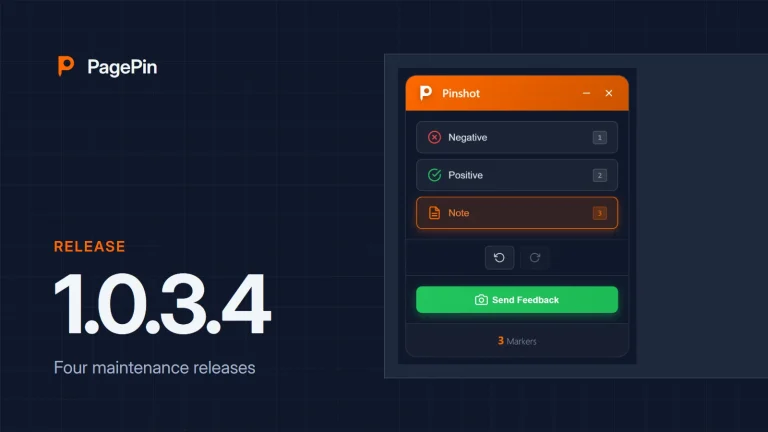
PagePin 1.0.3.1 to 1.0.3.4: four maintenance releases
Missing screenshot libraries, guest access details and themes without jQuery: what the four fixes of 2 April changed.
-
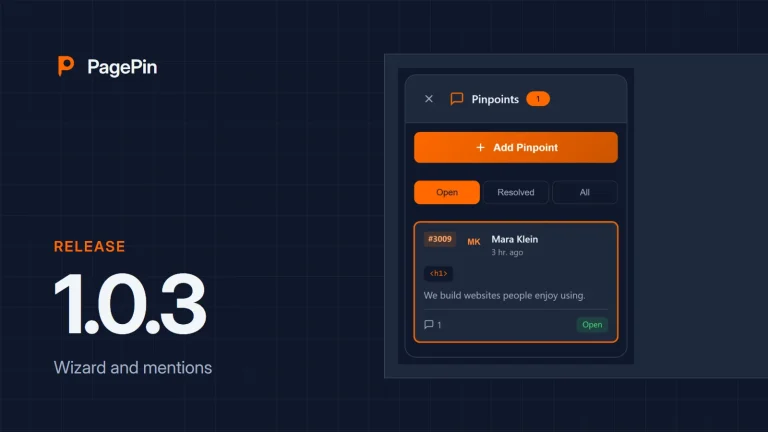
PagePin 1.0.3: a translatable wizard and cleaner mentions
The setup wizard is ready for translation, and @mentions send each notification once and only to others.
-
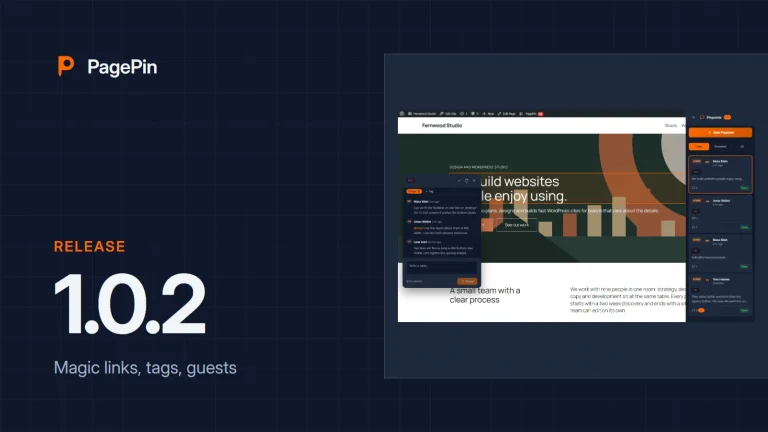
PagePin 1.0.2: Magic Links, tags and guest collaborators
Clients comment without a WordPress account, feedback gets tags, and the admin bar shows what is open.
-
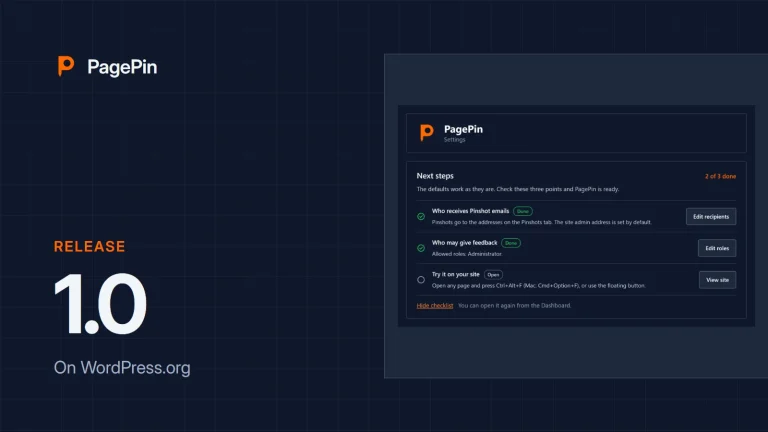
PagePin is now available on WordPress.org
The first public release of PagePin: visual feedback with screenshots, markers and comment threads, right inside WordPress.