

This text was written with the help of AI.
PagePin 1.1.0 was released on WordPress.org on 2 November 2026. It includes all changes of 1.0.3.5, a version that never shipped on its own. Later the same day, 1.1.1 added webhooks and a new logo.
Update 1.1.1: webhooks
When a Pinshot or a Pinpoint is created, changes its status or is deleted, or when someone replies in a thread, PagePin sends a signed HTTPS request to the endpoints you set up under Settings, Webhooks. Up to 10 endpoints, each with its own events, an optional header for a token and either JSON with all fields or a short text format that Slack and Discord accept.
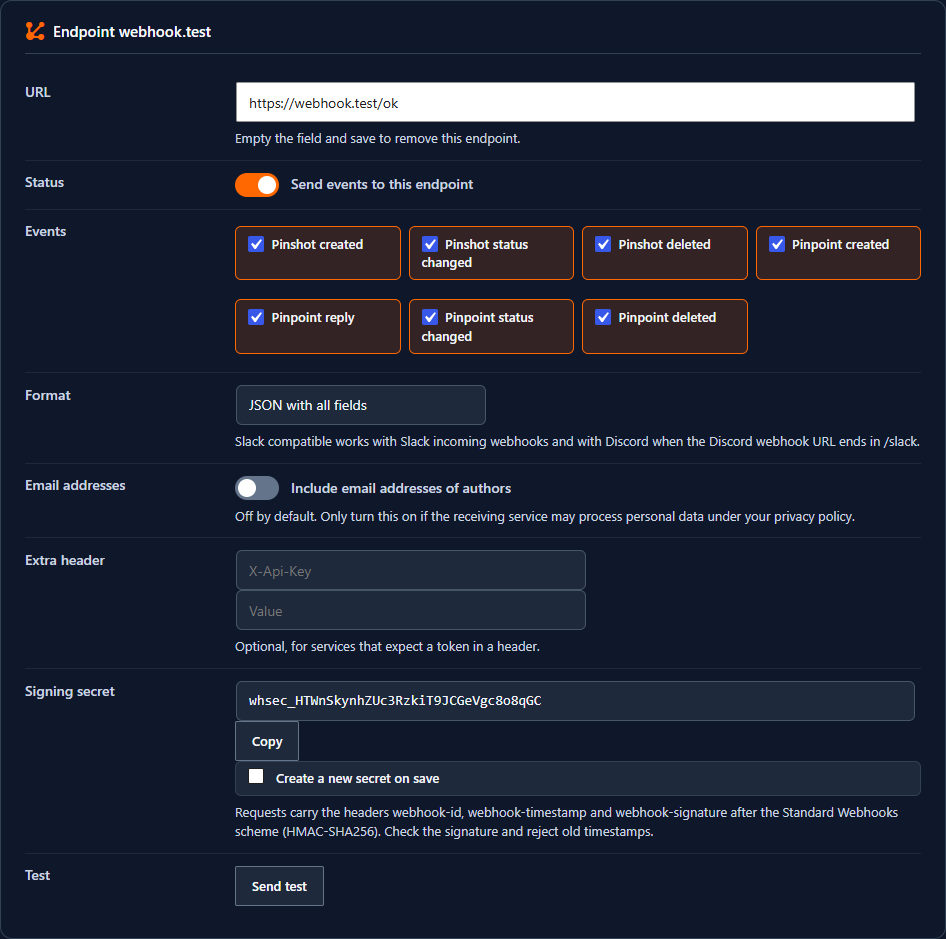
- Signature after the Standard Webhooks scheme (HMAC-SHA256 over ID, timestamp and body)
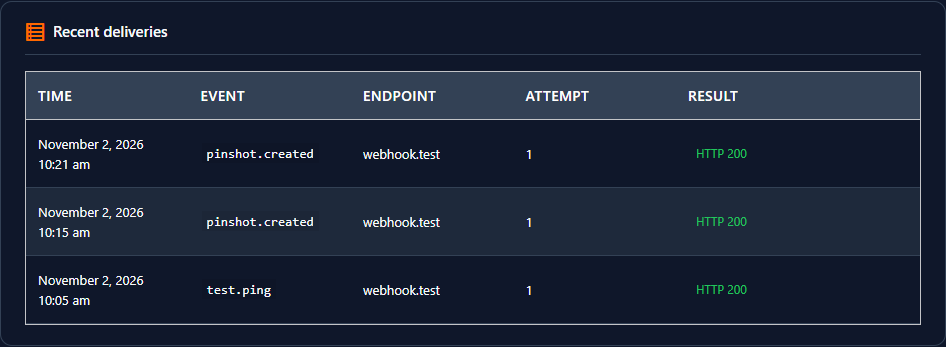
- Retries after 1 minute up to 6 hours, a test button and a log of the last 50 attempts without the payload
- HTTPS only, private and local networks are blocked, author email addresses only if you allow them per endpoint
New in 1.1.0
Checklist and dashboard
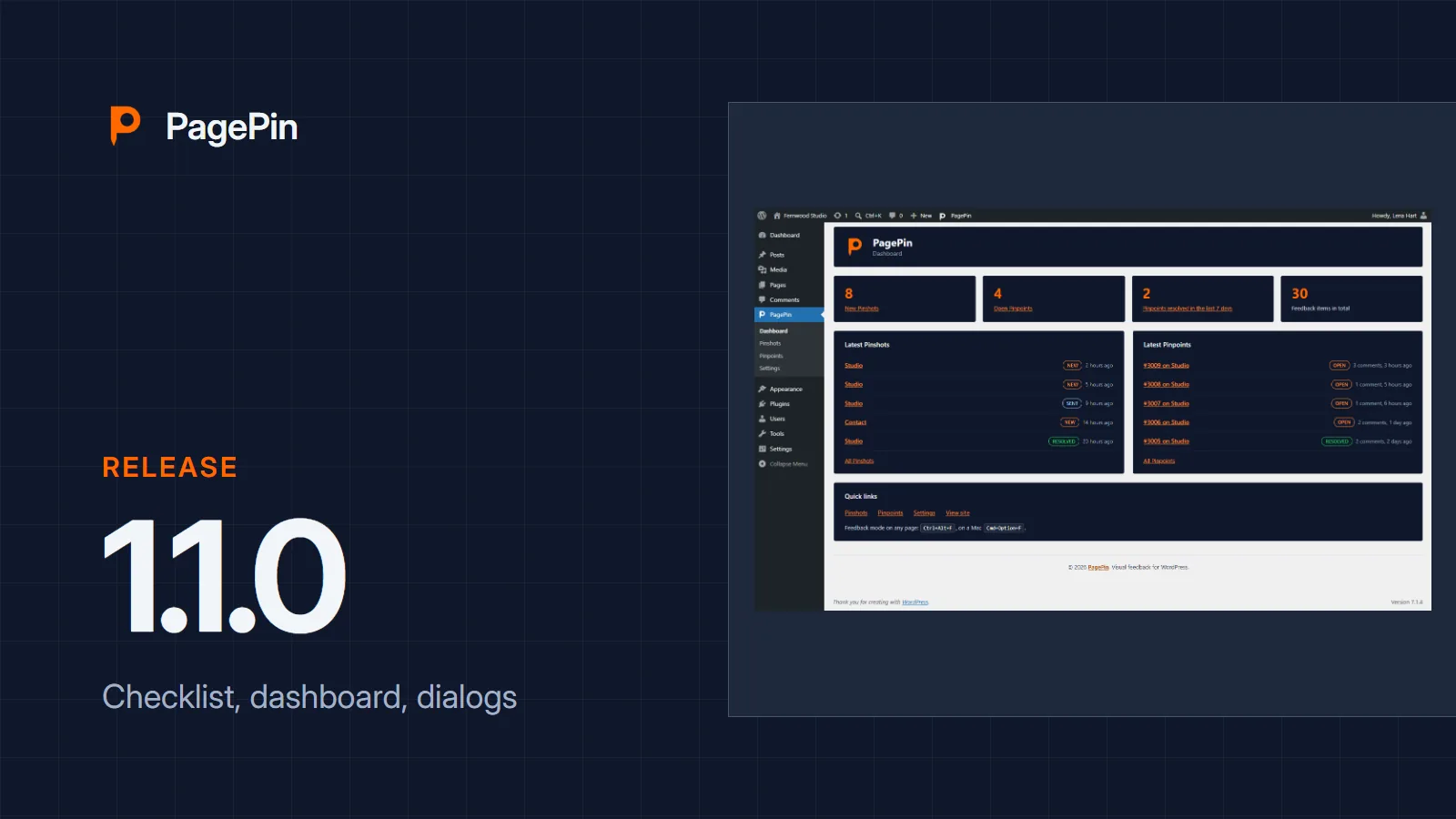
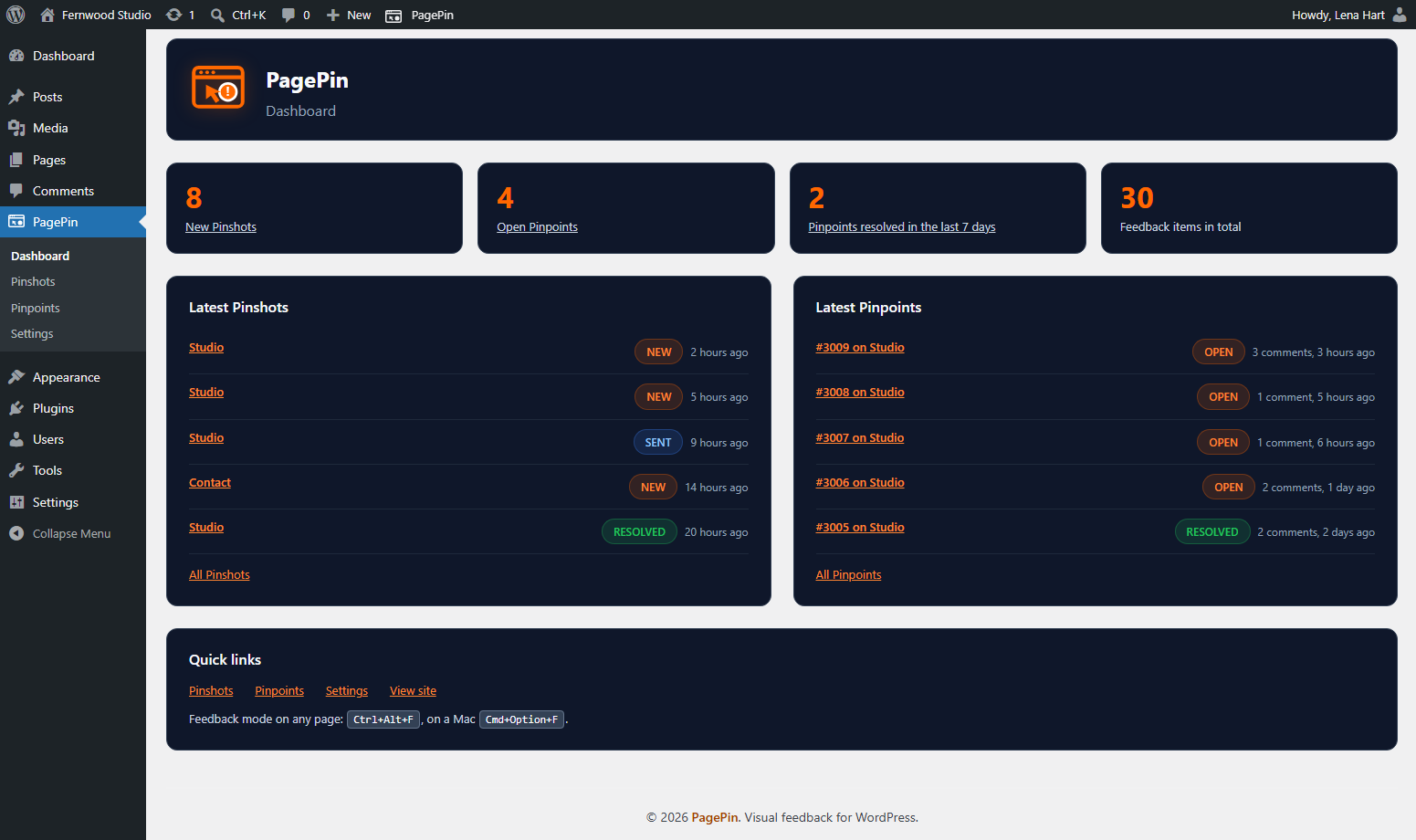
The setup wizard is gone. After activation PagePin opens the settings page, where a next steps checklist shows the real status of recipients, roles and a first test. Every user can hide it. A new dashboard shows key numbers, the latest Pinshots and Pinpoints and quick links.
Accessible dialogs and keyboard use
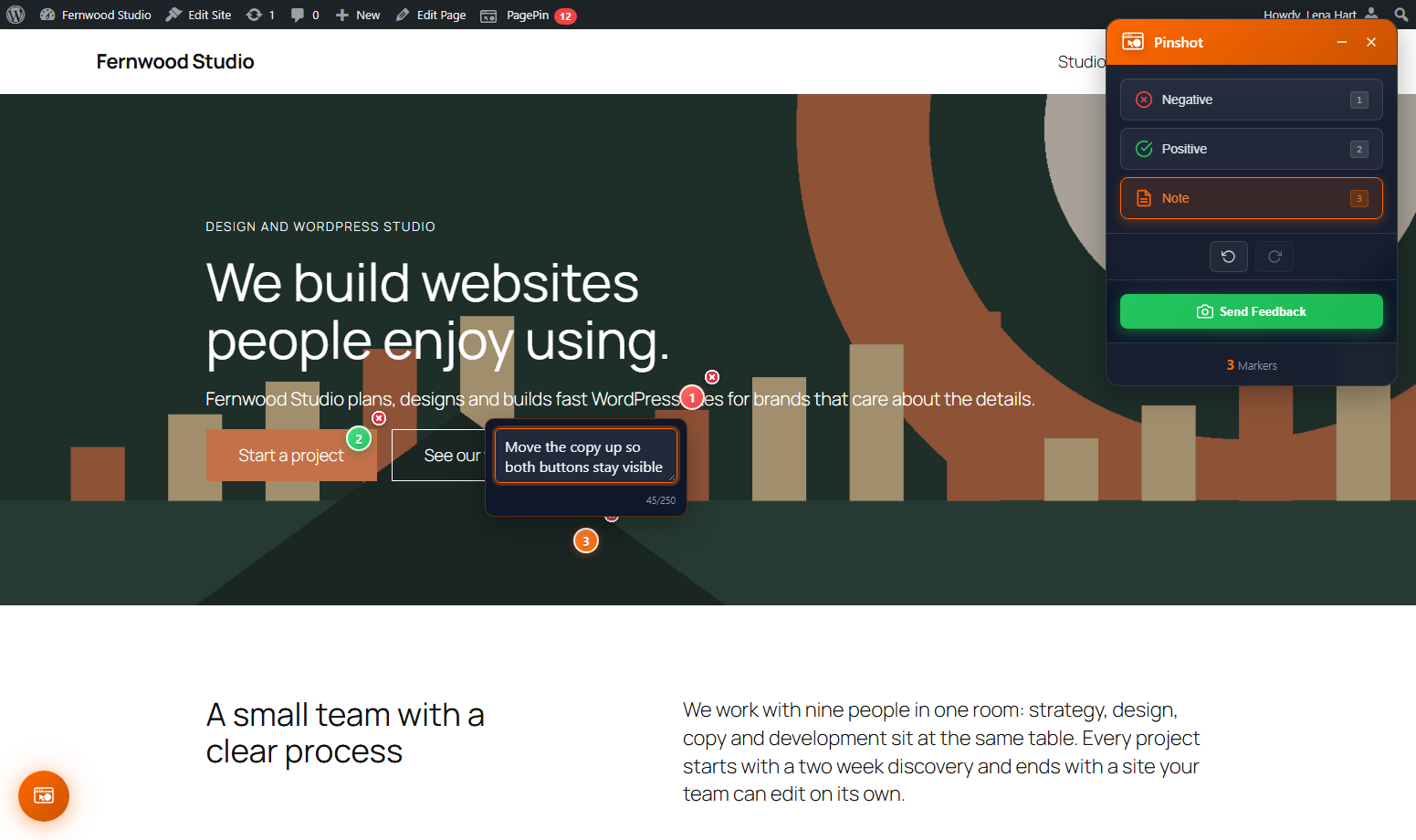
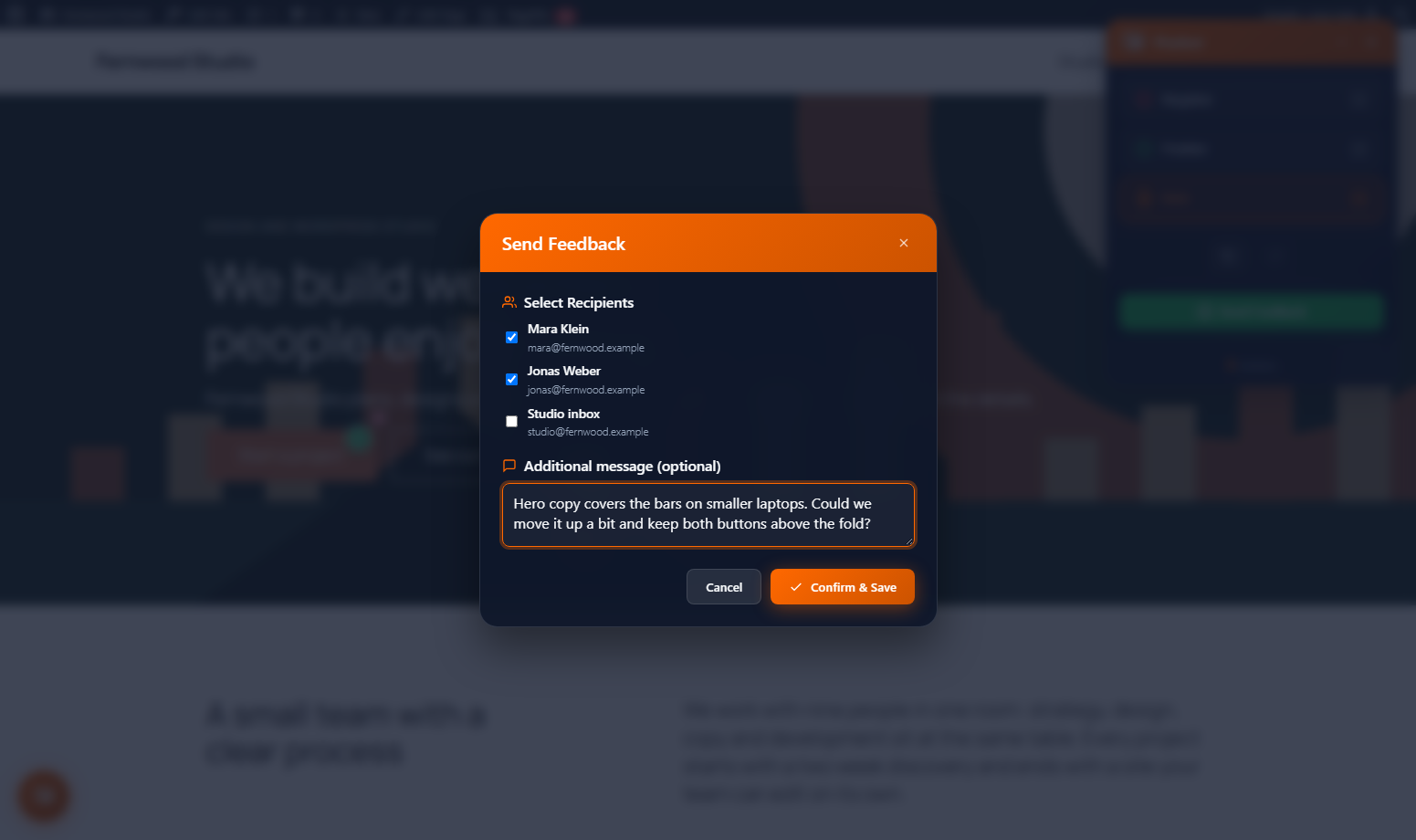
Dialogs in the admin and on the site close with Esc, keep the focus inside and return it to the button that opened them. Markers work with Enter and Space, and every marker is its own undo step. Contrast and focus rings follow WCAG 2.2 AA.
Lists, CAPTCHA and a smaller plugin
- Pinshot and Pinpoint lists have paging, filters and bulk actions, and the tag filter now filters
- The reCAPTCHA v2 and hCaptcha challenge can be solved in the public dialog
- One screenshot library instead of two, so the plugin is smaller and the site loads less
- Rate limiting works without an extra database table
Privacy and security
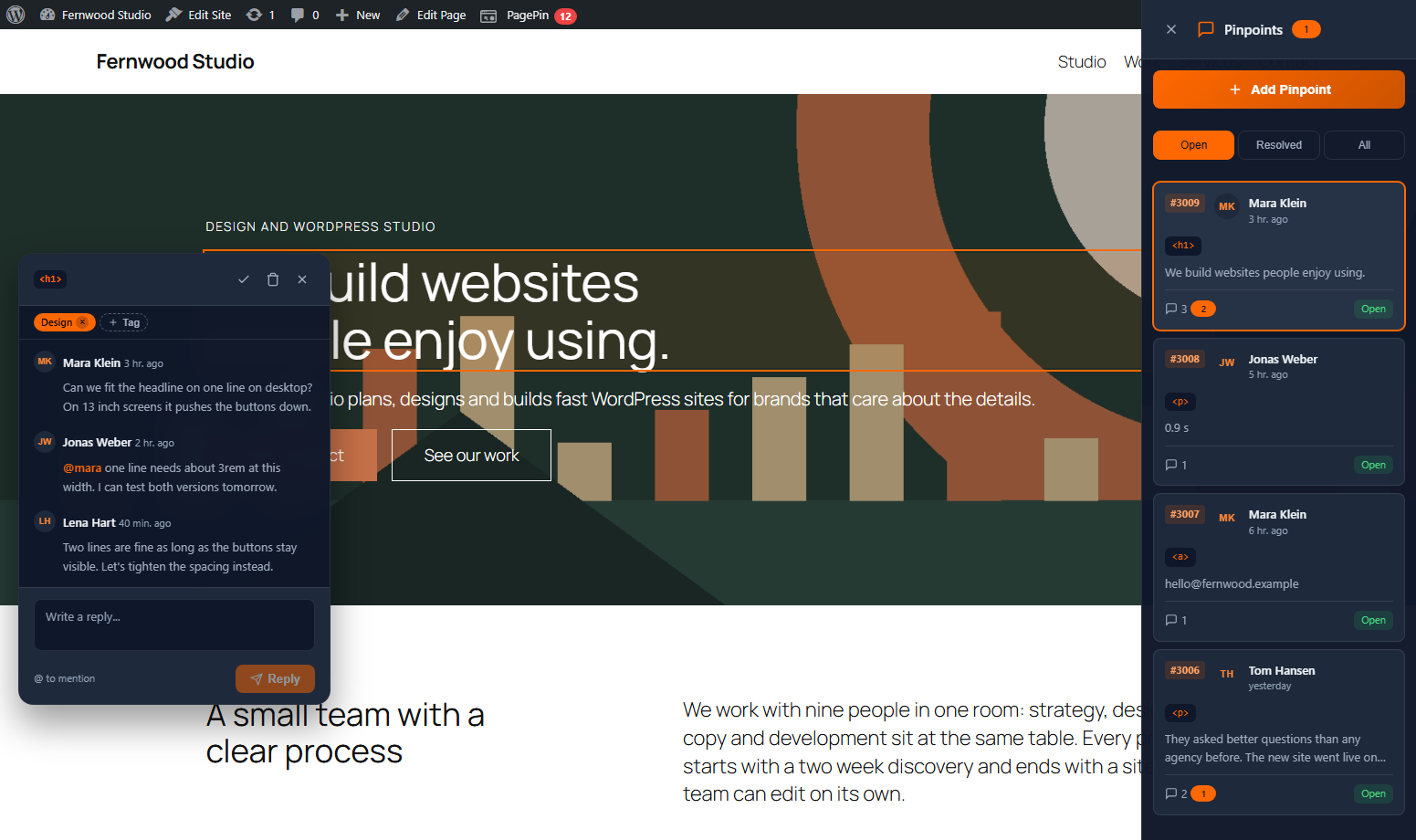
- No Gravatar: avatars are local initials
- IP addresses of public reports are no longer stored with the feedback, rate limiting keeps only a keyed hash
- Uninstalling removes all data, including tables, options and the upload folder
- An XSS issue in the admin details dialog is fixed, feedback content is escaped again
Update
Update PagePin from the Plugins screen in your WordPress admin. Your settings are kept. Download: WordPress.org.
Sources
- PagePin changelog, versions 1.1.0 and 1.1.1, WordPress.org
- Tag 1.1.0 and tag 1.1.1, WordPress.org plugin repository, 2 November 2026