


Free WordPress plugin
Pin it. Ship it.
Client feedback and bug reports, right on your WordPress site. Screenshots with markers, comments on page elements, stored on your own server.
Pinshots
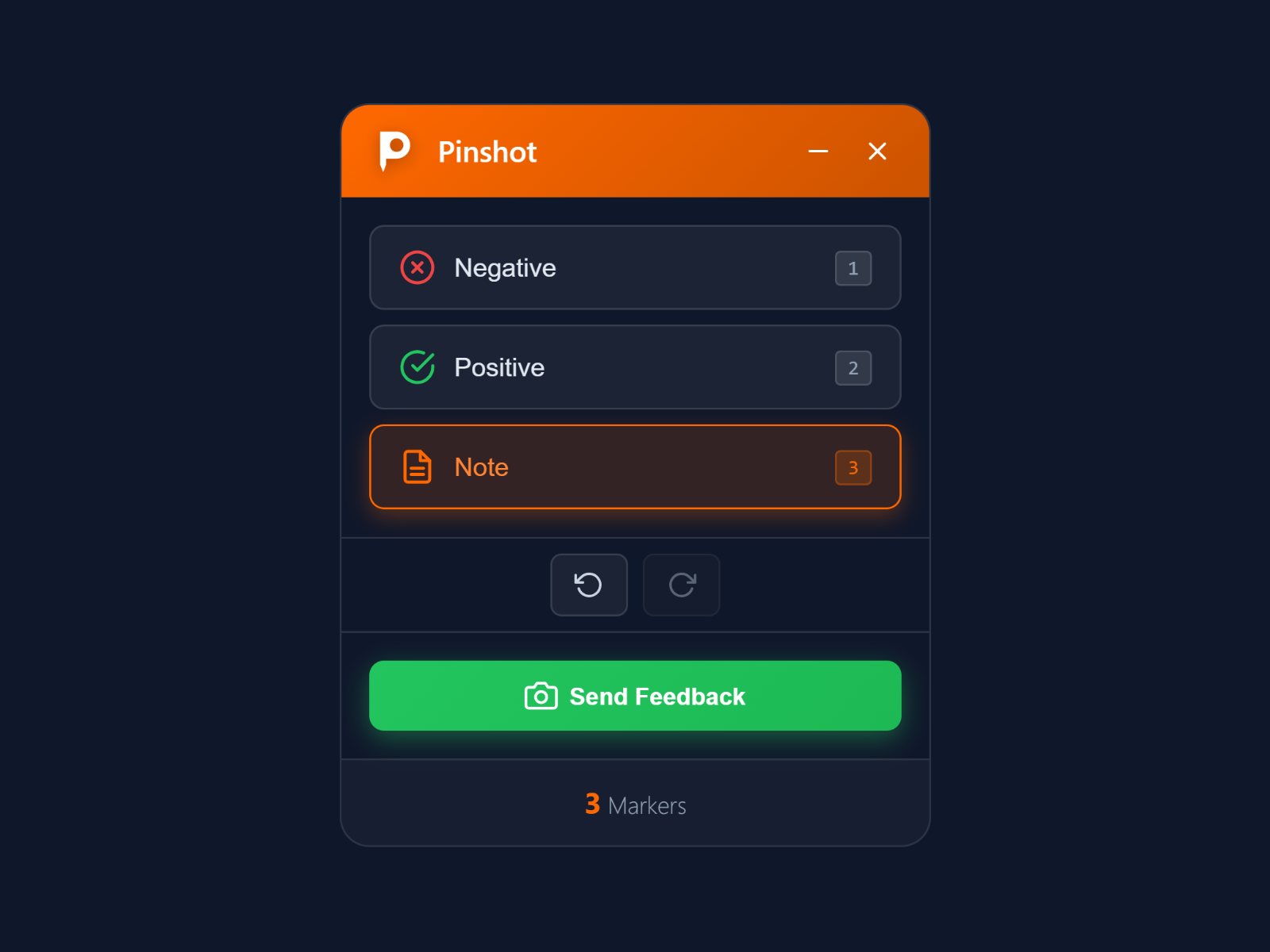
Bug reports with a screenshot, saved and sent from WordPress.
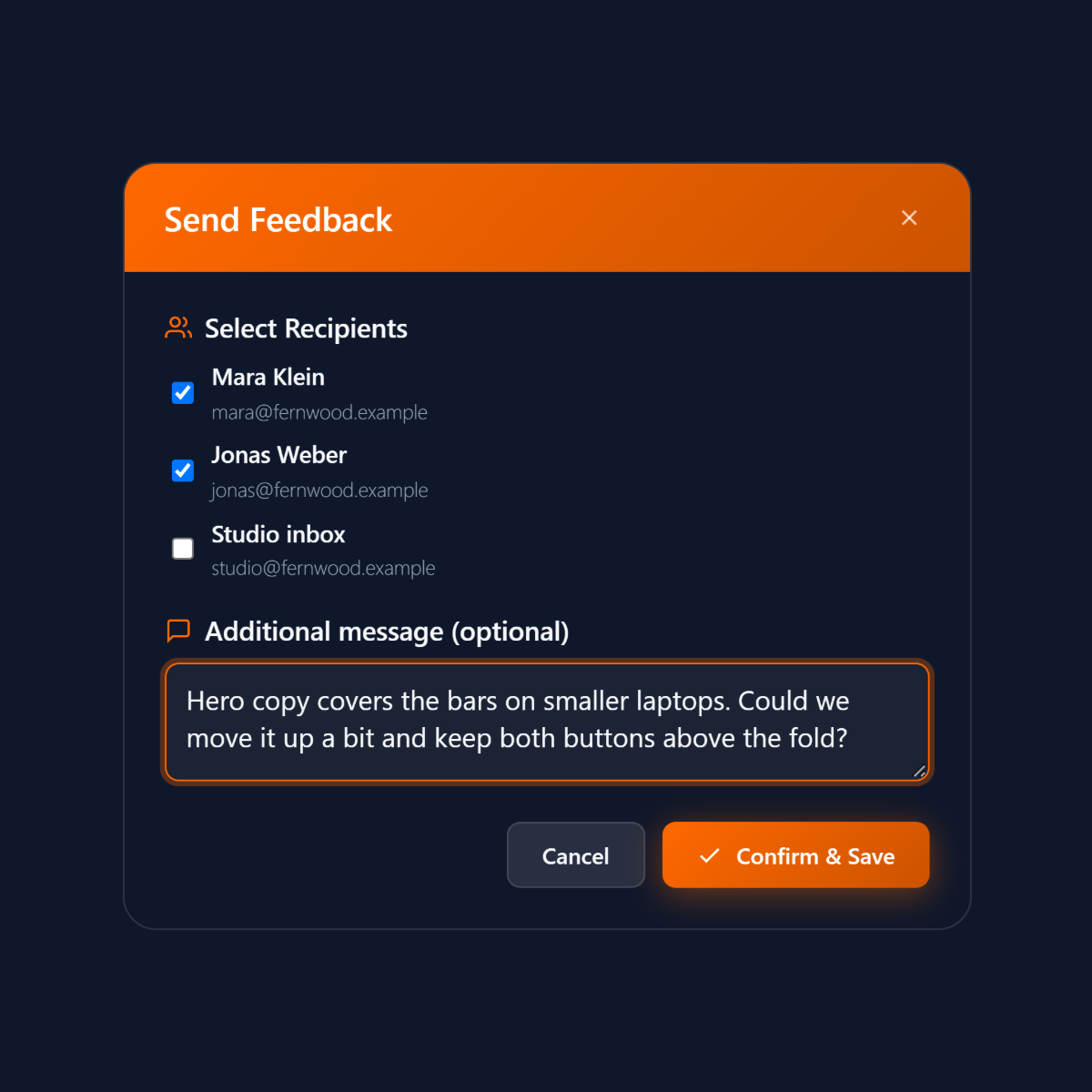
Open the toolbar with Ctrl+Alt+F, place numbered markers for a bug, an approval or a note, and add a short text to each. PagePin saves the page with every marker in WordPress, and Send in the Pinshot list e-mails it to up to five recipients.
In the WordPress admin each report moves from new to sent to resolved, with filters and bulk actions for many at once.
Pinpoints and Magic Links
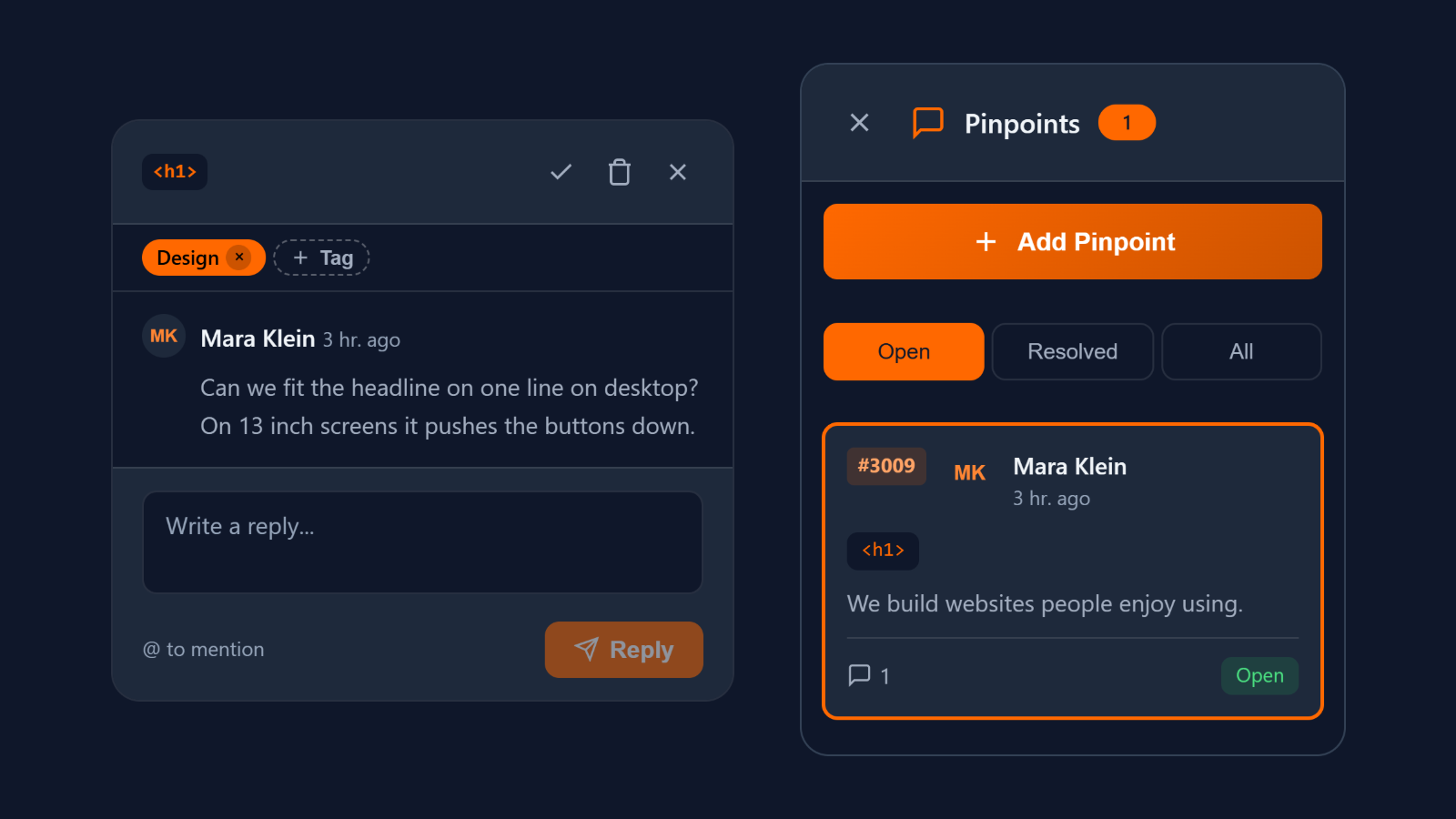
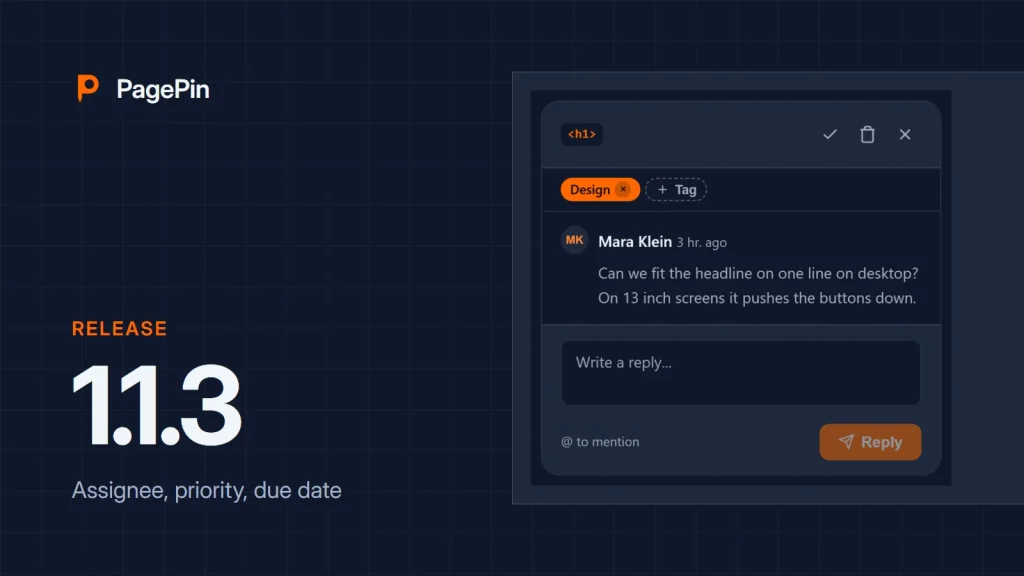
Comment threads that stay on their element.
Attach a thread to any element of the page. It stays in place when the layout changes, and clients join without a WordPress account: switch on guest access and invite them by Magic Link.
Your feedback never leaves your server.
Screenshots, markers and comments are stored in your WordPress installation. PagePin makes no external connection unless you switch on a CAPTCHA or add a webhook, and webhooks go only to HTTPS addresses you enter yourself.
From install to fix, in four steps
01
Install
Add PagePin from WordPress.org and check the Next steps list on the settings page. No API key, no account.
02
Pin
Click anywhere on the page to place a marker or start a thread.
03
Capture
Screenshot, position, page URL, browser, viewport and time are recorded automatically.
04
Ship
The feedback waits in the admin until it is resolved, and Send e-mails it to your team.
Questions we hear first
More answers on installation, roles and privacy are in the FAQ.
What does PagePin cost?
Nothing. PagePin is free and licensed under the GPL, with no limit on sites, users or reports.
Do I need an API key or an account?
No. PagePin runs entirely in your WordPress installation. Only an optional CAPTCHA needs a key from its provider.
Where are screenshots stored?
In /wp-content/uploads/pagepin/ on your server, not in the media library.
Does it work with page builders?
Yes. PagePin works on the rendered page, whichever builder made it, for example Elementor, Divi, Beaver Builder or WPBakery.
Which WordPress versions are supported?
WordPress 6.4 or later with PHP 8.1 or later, tested up to WordPress 7.1.
Built for client feedback and bug reports. Nothing you don't need.
Six things that come with every install.
Spam protection
Honeypot, timing check and a limit per hour and IP address. CAPTCHA only if you want it.
Public feedback
Let visitors send feedback without logging in, with an e-mail field you can make optional.
Custom watermark
Your own text on every screenshot, and a compression level from 10 to 100 percent.
Undo and redo
Ctrl+Z and Ctrl+Y for markers, Cmd+Z and Cmd+Shift+Z on a Mac, drag and drop to move them.
Touch support
Tap to place markers on tablets and phones.
Clean uninstall
Deleting the plugin removes its tables, options and screenshots. Deactivating keeps your data.
Compared
A free alternative to Marker.io, BugHerd and Usersnap
The three services charge a monthly fee and keep feedback on their servers. PagePin is free and runs in your own WordPress.
| Feature | PagePin | Marker.io | BugHerd | Usersnap |
|---|---|---|---|---|
| Price | Free | from $39 a month | from $42 a month | from €49 a month |
| Free plan | Yes | No | No | No |
| Feedback is stored | In your WordPress | With the provider | With the provider | With the provider |
| Details | All features | PagePin vs Marker.io | PagePin vs BugHerd | PagePin vs Usersnap |
Latest news


Free for every WordPress site
Ready to ship faster?
Install PagePin from WordPress.org, check the Next steps list and collect your first feedback. Questions? The support forum is open.