


Client feedback you understand, without follow-up questions.
Your client pins. You see. Done. No cloud, no client accounts, no monthly costs.
Sound familiar? Feedback that needs three e-mails before anyone can act on it.
A client writes about “the button on the top left”. Another pastes screenshots into a Word document. Nobody knows which page, which browser or which screen size they mean.
Feedback tools solve that as a service: Marker.io, BugHerd and Usersnap start at 39 dollars or 49 euros a month (November 2026), and the screenshots of your client sites are stored with the provider.
And clients rarely want another account just to say that a headline is too long.
PagePin moves feedback onto the page itself, inside the WordPress site you already run for your client.
Your client's feedback stays on your client's server.
Screenshots, markers and comments are stored in the WordPress installation they belong to. No external service receives them unless you switch on a CAPTCHA or add a webhook to an HTTPS address of your choice.
How it works with a client, in four steps
01
Install on the client site
Add PagePin from WordPress.org and check the Next steps list on the settings page. No API key, no external account.
02
Invite your client
Send a Magic Link by e-mail or share a URL. Your client comments without a WordPress account.
03
Your client pins
A comment on the element it is about, or a screenshot with numbered markers and notes.
04
You act on it
Screenshot, position, page URL, browser and viewport wait in the WordPress admin with a status and go out by e-mail.
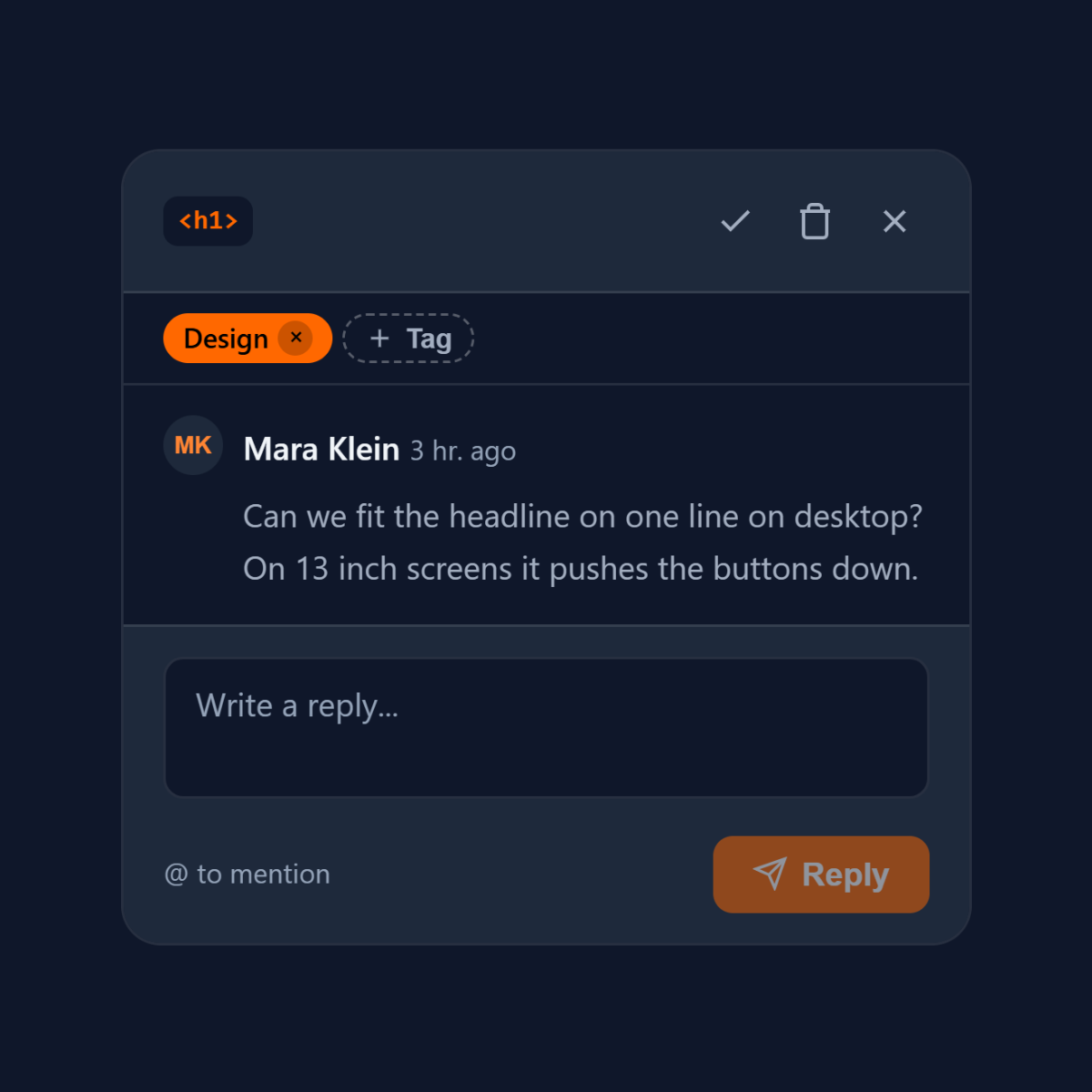
Collaboration
Clients and guests join a thread without logging in.
Mention a guest with @ and PagePin grants access and sends the Magic Link. Every participant of a thread is notified of new comments.
Links do not expire by default, or after 7, 30 or 90 days, and a guest you invited once is reused for the next thread.
Free for every client site
Stop the guessing games.
Install PagePin on your next client site. Questions? The support forum on WordPress.org is open.